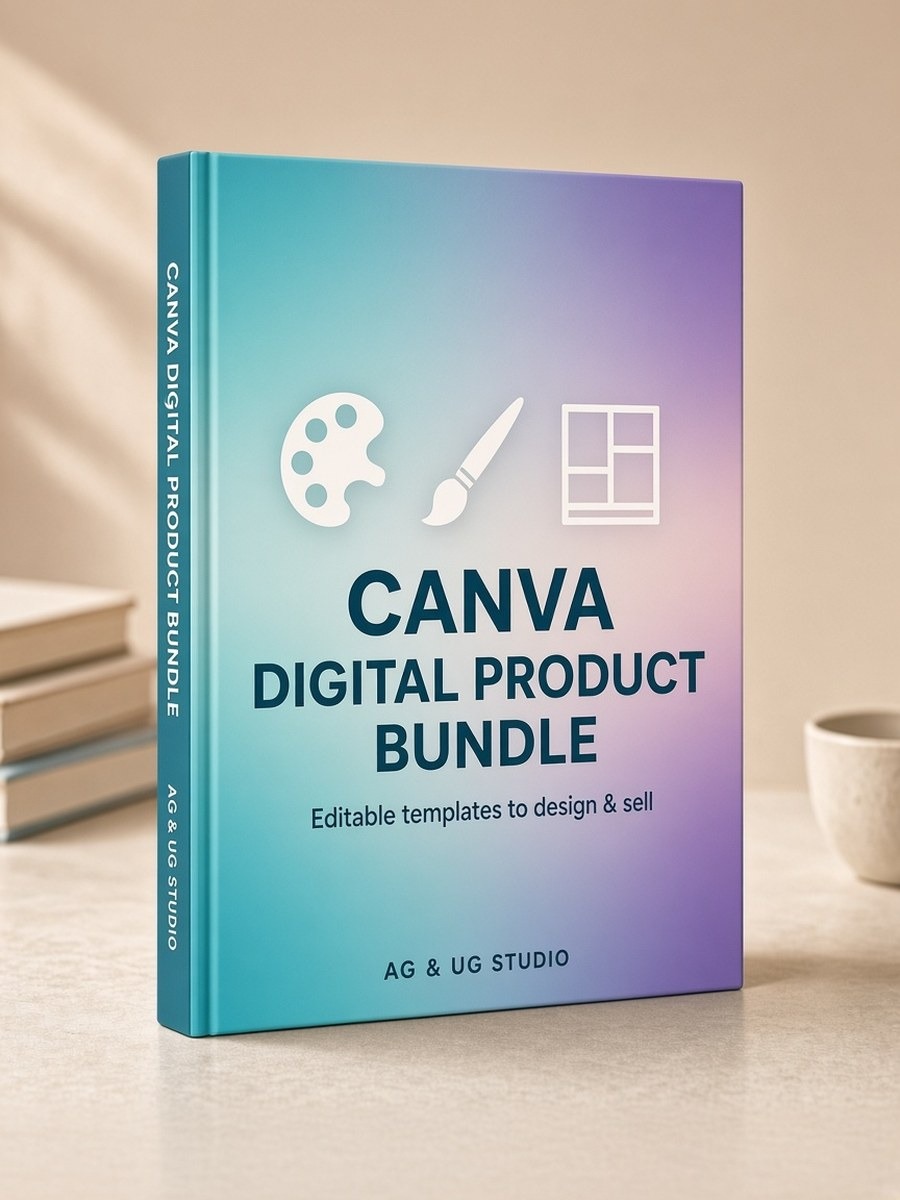
Canva Digital Product Bundle
Make digital products in Canva that look worth paying for.
4 step-by-step guides plus 108 editable template pages for social media, ebooks, workbooks, planners, media kits, brand kits and presentations. Open them in Canva, add your brand, and you have something ready to sell.
Instant download · Works with a free Canva account · White-label licence
Sound familiar?
You open Canva to make a product. Two hours later it still looks homemade.
- You have a product idea, but every time you start from a blank page you get stuck on fonts, colours and layout.
- Your planner or ebook looks crowded and amateur next to the ones that are selling.
- You don't know which sizes to use, how to export properly, or what you're allowed to sell.
- So the idea sits in your notes, and nothing gets listed.
The problem isn't your talent. It's designing everything from zero with nobody showing you the steps.
- The fix: learn the basics with a guide written for beginners, then start from templates that are already laid out. You just change the text, photos and colours to make them yours.
What's inside
4 guides and 10 template sets, 108 pages in all
Guides as PDFs and editable Word files. Templates as layered PDFs you import into Canva, with a PNG preview of every page.
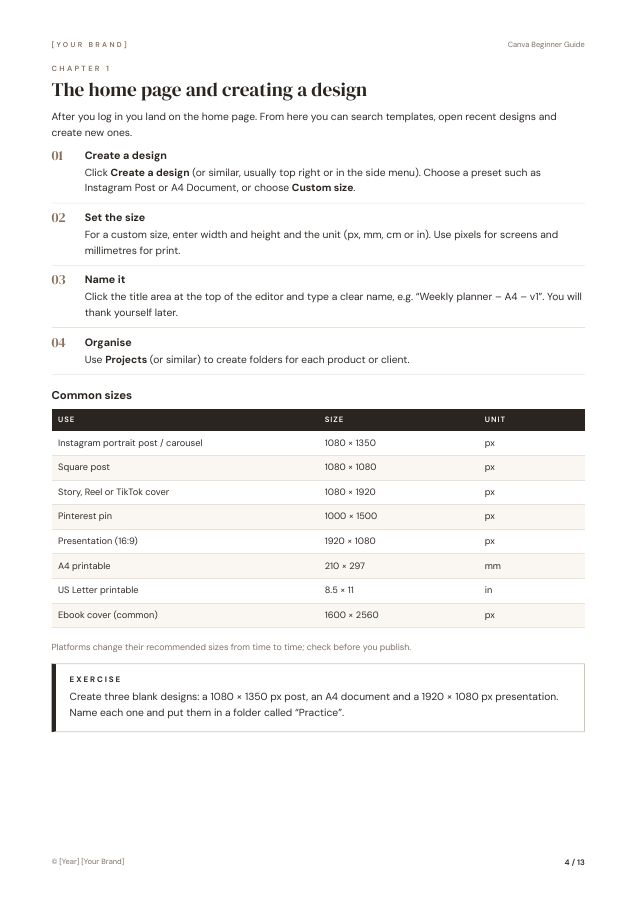
Canva Beginner Guide
10 chapters from first login to export: the editor, text, colour, photos and frames, layout, working faster, resizing. Plus a 7-day practice plan and a 25-point design checklist.
Canva Digital Product Guide
How to plan, design, export, package and sell printables, planners, workbooks, ebooks and templates, and what to check about licensing before you sell.
Canva Template Creation Guide
How to design templates other people can edit easily, test them, share them and write clear instructions for your buyers.
Canva Template Ideas
120 product and template ideas grouped by category, with sizes and the customer each one helps.
Social Media Templates
10 square posts: quote, tip, announcement, promo, carousel cover, slide and end, this-or-that and more.
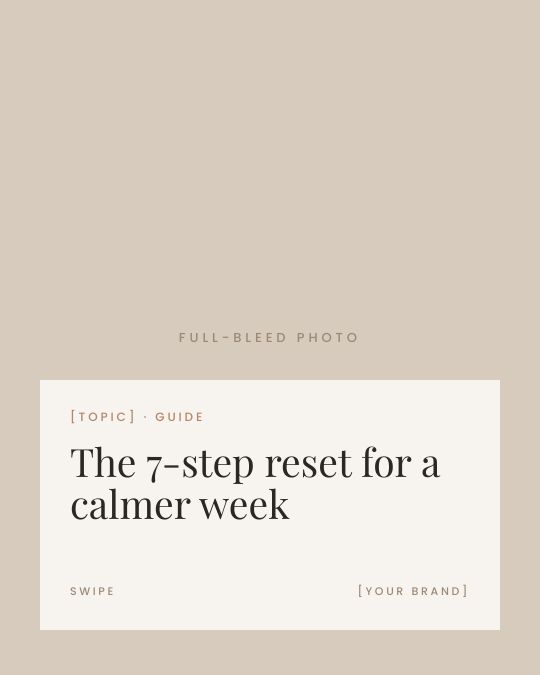
Instagram Templates
9 portrait posts, 6 stories (poll, questions, launch countdown and more) and 6 highlight covers.
TikTok Templates
13 covers and backgrounds: tutorial, storytime, series, myth vs fact, Q&A, green screen and comment reply, plus a safe-zone guide.
Pinterest Templates
10 pins: blog post, freebie, listicle, product, step-by-step infographic, before and after, checklist, sale.
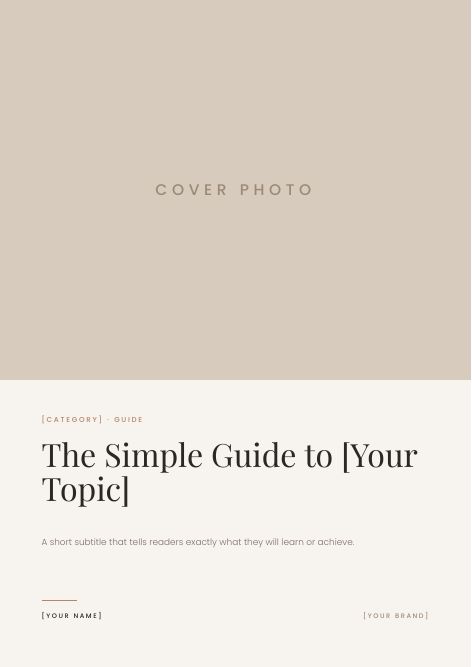
Ebook Templates
11 A4 pages: cover, contents, chapter opener, body text, pull quote, tips, worksheet, about the author, thank you.
Workbook Templates
10 A4 pages: goal setting, reflection prompts, checklist, brainstorm map, action plan, 12-week tracker.
Planner Templates
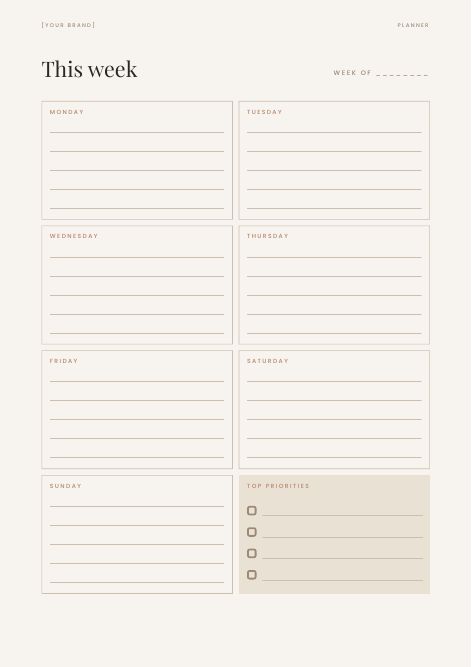
10 A4 pages: year at a glance, monthly, weekly and daily planners, habit tracker, to-do list, goals, monthly budget.
Media Kit, Brand Kit & Presentation
A 6-page media kit, a 6-page brand kit (logo, colours, fonts, mood board, brand voice) and an 11-slide presentation.
Look inside
Real pages from the bundle
These are real pages, not mockups. Text in [square brackets] is where your own words go.
Who it's for
Made for people who want to sell what they design
- Beginners who have never designed a product and want to learn Canva step by step
- Anyone with a planner, workbook or ebook idea who needs a professional starting layout
- Small business owners who want matching posts, stories and pins for their brand
- Creators who need a media kit to pitch brands
- Digital product sellers who want a ready product to rebrand and sell under their own name
Not for you if you expect sales without effort. The bundle gives you the skills and the starting designs. Your niche, your offer and how you promote it decide the results.
Included with your bundle
Everything you need to get started
🎁 Import into Canva Guide
Step by step: upload a template, edit the text, swap the photos, recolour and download your finished design.
🎁 Editable Word versions
All four guides also come as Word files, so you can edit the text and rebrand them easily.
🎁 Start Here pack
A README and a How to Rebrand guide so you know exactly where to begin.
🎁 White-label licence
Put your own brand name on it and sell the finished product to your customers. See the licence terms.
FAQ
Questions, answered
How do I get the bundle?
Right after payment you get an instant download: one ZIP file with all the guides and templates, plus the Canva Beginner Guide as a separate PDF so you can start reading right away.
Do I need Canva Pro?
No. A free Canva account is enough to import and edit the templates.
How do the templates open in Canva?
They are layered PDF files that you upload into Canva, which turns the text and shapes into editable elements. It works best on a computer. Fonts can be swapped and spacing can shift slightly, so check each page after importing. The included Import into Canva Guide shows every step.
I'm a total beginner. Is this too hard?
No. The Canva Beginner Guide starts from your first login and includes a 7-day practice plan with small projects.
Can I resell it?
Yes, under the White-label licence you can rebrand the finished product and sell it to your own customers. You can't resell the licence or resale rights, or the editable source files as they are. Full details in our Terms.
Can I get a refund?
Because this is a digital product you get instantly, all sales are final and there are no refunds once it's downloaded. By buying you agree to immediate access and waive the 14-day withdrawal right. That's why the full contents and real page previews are on this page.
The payment or download page won't open on TikTok or Instagram
In-app browsers sometimes block payments and downloads. Tap the ⋯ menu at the top and choose "Open in browser", then try again.
Your first product can look professional this week
4 guides and 108 editable template pages, ready the moment you pay.
Instant digital download. By buying you agree to immediate access and that all sales are final, no refunds once downloaded. See Terms.